The short answer
Decide before the wedding where guests' photos will go, tell guests once on the invitation and again on the tables, and make it one step. A shared album link collects photos after the day; a QR code on the tables gets them during it. Send one short reminder the morning after, with the link.
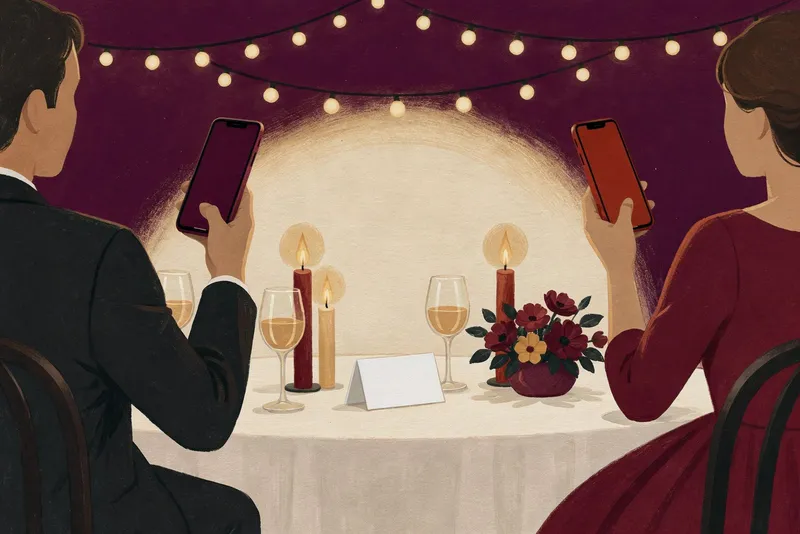
Guests take photos all through a wedding, and without a plan a couple can end up seeing only a few. Three things get in the way: nobody told guests where, the step was fiddly, or the moment passed. A small plan fixes all three. Here it is, in order, with four messages at the end you can copy.
Before the wedding: where will the photos go?
Choose one place, and only one. Two links, a hashtag and a "just text me" split the photos across all of them.
Then put it where guests already look:
- Your wedding website, on the page with the schedule.
- The invitation or the details card, as one line.
- A message to the wedding party a week before, so they can remind people on the day.
Decide, too, whether you want photos during the wedding or after it. That choice picks the tool (compared below).
 Illustration
On the day: how do you remind guests?
Three small things do most of the work:
- A table card on each table. One line on what to do, and the QR code or the link. Cards near the bar and the guest book help too.
- One line from the emcee or DJ, after dinner or before the dancing. Short, friendly, once.
- A short photo list on the back of the card, so guests know what you'd love: "the view from your seat," "your table mid-laugh," "the best dance move," "the oldest guest on the dance floor." A prompt makes it easier for guests to start.
For a longer list of candid moments, see our wedding photo checklist for guests.
After the wedding: what should you send?
One message, the morning after, while the night is still fresh. Thank people, give the link, and ask once. A second reminder a week later catches a few more, but more than that starts to feel like chasing.
If you used a shared camera with a reveal, the morning-after message is the reveal itself: the photos are ready, and everyone sees them together.
Which option should you use?
Four common ways, each good at something different.
| Option |
|---|
| An Apple shared album |
| A Google Photos shared album |
| An upload page from a photo-sharing service |
| A shared camera roll (such as Blink) |
The album options are covered step by step in our guides to a shared album on iPhone and a Google Photos shared album. They're best when guests already use them, and for photos people took before or after the day on their own cameras.
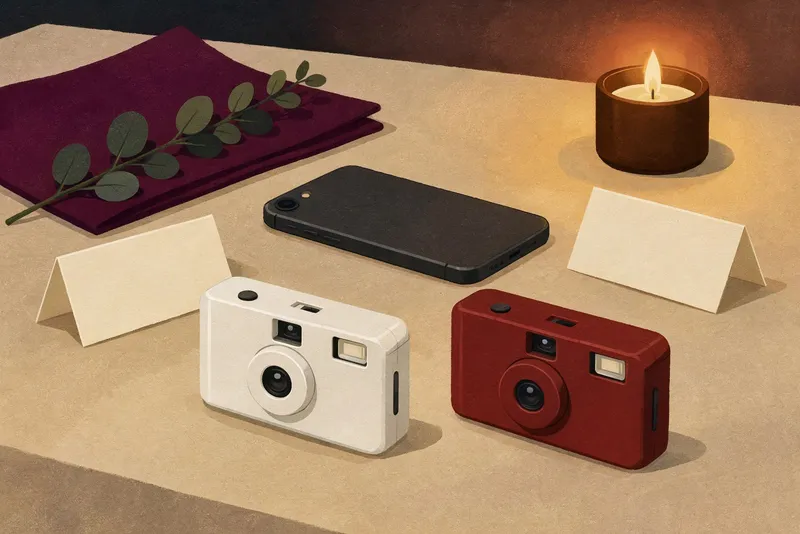
A shared camera roll is best when you want the photos collected while guests are still in the room, without an upload step afterwards.
How do you make it an event, not a chore?
Give guests something to look forward to: a reveal. Instead of asking for photos, invite them to see the night together.
With Blink:
- You print one table card with a QR code. Guests scan it, and the camera opens in their phone's browser. They don't need an account.
- Each guest takes a set number of shots on one shared roll, so people pick their moments.
- Guests see their own shots straight away. Everyone sees the roll together at the reveal you pick: when it ends, the next morning, or a time you choose.
- Guests who leave an email get a link at the reveal, so the morning-after message partly sends itself.
- As the host, you can open the roll before the reveal, and reveal early if you like.
Collect the photos on the night
One QR code on the table. Guests take a set number of photos each on one shared roll in their phone's browser, and everyone sees them together at the reveal you pick. Your first event is free for up to 25 guests.
For a bigger wedding, Blink is a one-time price for that event, with no subscription, and guests never pay. At 25 photos each: 50 guests is $7.99 and 100 guests is $14.99. You can use it alongside an album: Blink for the night, an album for photos from people's own cameras.
Messages you can copy
Change the words to sound like you. Keep each one short.
1. For the invitation or wedding website
We'd love to see the day through your eyes. There'll be a QR code on every table: scan it to take photos on our shared camera, and we'll all see them together the next morning.
For an album instead: "We'll share a photo album link on the day. Please add any photos you take, from the weekend too."
2. For the table card
Scan to join our camera. Take your shots tonight; we'll all see them together tomorrow morning.
For an album instead: "Scan to add your photos to our album, tonight or tomorrow."
3. For the emcee or DJ
"One quick thing from the couple: there's a QR code on your table. Scan it, take a few photos tonight, and you'll all see them together tomorrow morning. The couple would love the view from your seat."
4. The morning-after text
Thank you for coming yesterday. The photos from last night are ready: [link]. We loved seeing the day through your eyes.
For an album, add: "If you took any on your own camera, you can add them there too."
How we checked
The ideas and advice here are ours; the facts come from the pages listed below, each read on the date shown. Facts about Blink come from our own pricing page and product, and nothing here rests on a survey, a test or a customer story.
Questions
What is the best way to collect wedding photos from guests?
Choose one place before the wedding, show it on the tables as a QR code or link, and send one reminder the morning after. A shared album works for photos uploaded after the day; a shared camera roll collects them during it.
Can guests add photos without an account?
It depends on the tool. With a shared camera like Blink, yes: guests scan one QR code and the camera opens in their phone's browser. Apple says that from iOS 27, people can join a shared album on the web even without an Apple Account. Google's help pages don't say whether guests who aren't signed in can add.
How do we stop embarrassing photos showing up?
Choose a reveal after the wedding rather than a live feed. With Blink, the host can open the roll before the reveal. In an Apple shared album, Apple says the owner can delete anyone's photos.
How do we remind guests without nagging?
Tell them three times at most: once on the invitation, once on the tables (with one line from the emcee), and once the morning after. A short photo list on the table card helps more than more reminders.
Should we use a wedding hashtag?
It gathers only the photos guests post publicly with it, so pair it with one private place for photos; our [wedding hashtag ideas](/blog/wedding-hashtag-ideas) post covers both.
What's the best way to collect photos from wedding guests without asking everyone to send their pictures?
Give guests one place to take the photos during the wedding, so nobody has to send anything afterwards. With Blink, guests scan one QR code on the table, take a set number of shots each in their phone's browser, and you all see the roll together the next morning or at a time you pick.
Sources
- Apple Support: Use Shared Albums in Photos on your iPhone, iPad and Mac (published Oct. 6, 2026) Checked .
- Apple Support: Shared Albums limits (published Nov. 19, 2026) Checked .
- Google Photos Help: Share photos & videos Checked .
- Google Photos Help: Stop sharing an album & manage settings Checked .
- Blink pricing page Checked .
This post was researched and checked against the sources above, each on the date shown.
Planning an event?
Your first event is free for up to 25 guests.
Create your event